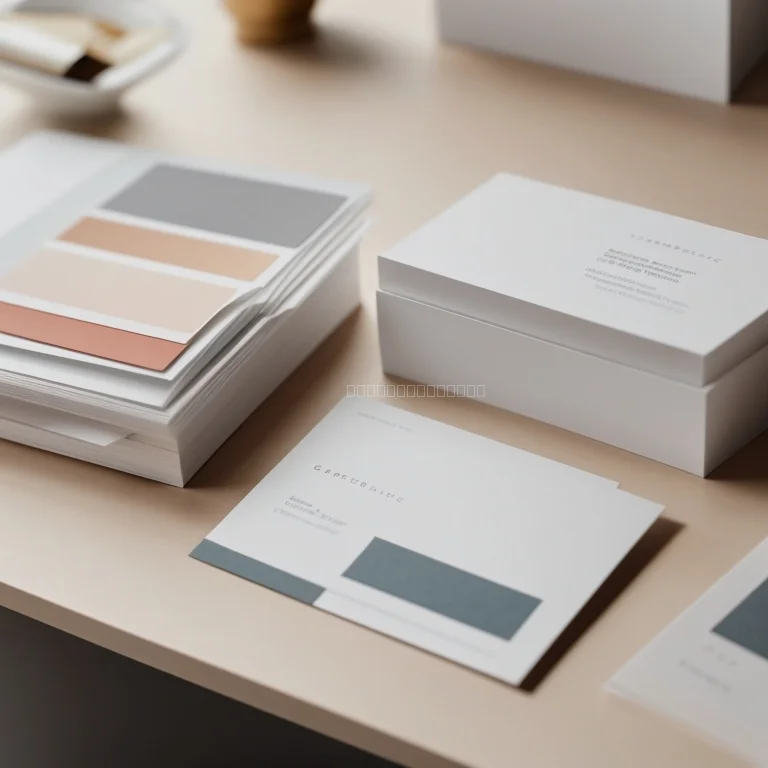
In today’s fast-paced environment, small printed materials serve as essential touchpoints between brands and audiences. PrintsLab’s beginner-friendly templates provide clear guidance and structure, helping you to focus on compelling messaging rather than design minutia. Each file comes with marked guides, smart layers, and placeholder text so that users at any skill level can directly input content and swap graphics. Rely on clean margins, resolution settings calibrated for both inkjet and laser printers, and color profiles that maintain consistency from screen to paper. By leveraging these concise layouts, you minimize preparation time and reduce the risk of misalignment, smudging, or unexpected cropping during production.
When selecting a template from PrintsLab, begin by browsing categories that match your project’s intent—promotional leaflets, appointment cards, or thank-you notes. After choosing the ideal design, download the source file available in PDF, AI, and PSD formats. Open the file in your preferred editing software, where built-in labels indicate editable areas. Adjust typefaces, swap stock images with your own visuals, and tweak color palettes to align with your brand identity or event theme. Utilize the layer panel to hide or show specific elements, merge sections for print preparation, and export final layouts as high-resolution documents optimized for commercial printing services. This structured process ensures consistent presentation across all your printed materials.
To achieve professional results, pay special attention to bleed settings and safe zones included in every PrintsLab template. Ensure essential graphics and text remain within the designated margin guides to prevent unintended cropping. For sharper images, use photographs with a minimum resolution of 300 DPI and convert them to CMYK color mode before import. When dealing with paper weight and finish options—such as matte or gloss—test print a sample page to evaluate how colors appear under different lighting conditions. Once satisfied, package your files to include all linked assets and font outlines, then submit the complete set to your local or online print partner. By following these best practices, you avoid common pitfalls and maintain a polished and reliable final product.